

Blog
MARKET UPDATE: Baxter Infusion Pump Recall
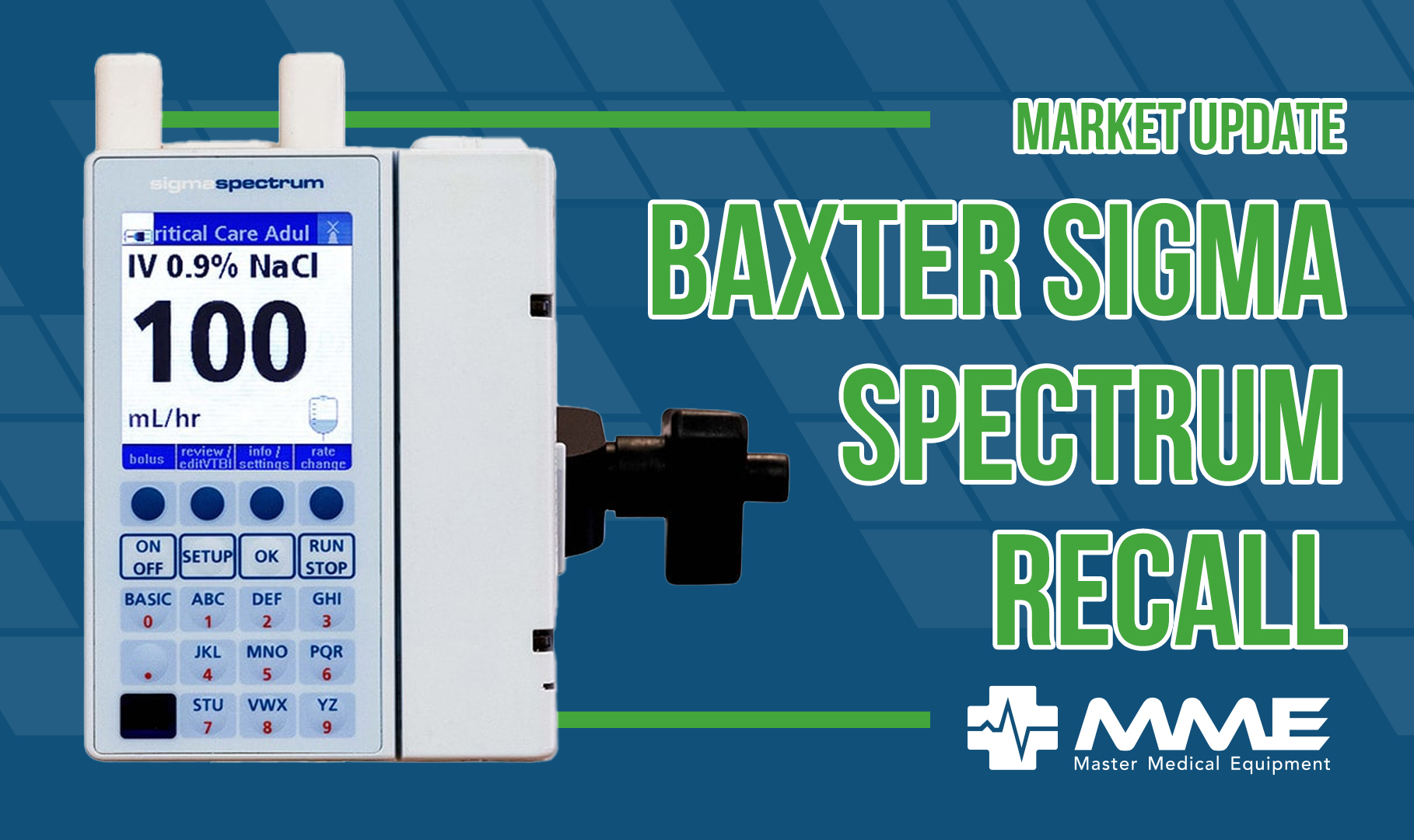
Field Update for EMS and First Responder Teams – Immediate action required
What’s Happening?
The FDA issued an urgent alert about a software issue affecting Baxter Spectrum infusion pumps. Certain V6 and V8 Spectrum pumps were shipped with incorrect software versions, potentially leading to a number of issues such as inaccurate flow rates.Why It Matters
This mismatch may not seem like much at a glance, but the software is tailored to each pump’s mechanics and interface. Using the wrong version can lead to dangerous flow rate errors: overinfusion, underinfusion, and delayed therapy, especially during long infusions.Immediate Actions Required:
- Identify Affected Units: Check product codes and serial numbers on the bottom of your Spectrum pumps.
- Verify Software Version:
- To check a V6 pump, press the ‘sw info’ soft key on the Pump Information screen to display the software version screen. V6 pumps should have software beginning with ‘6’.
- From the Select Care Area screen, press the ‘options menu’ soft key. Select ‘User Options’ and press OK. Select ‘View Information’ and press OK. Select ‘Pump Information’ and press OK to display the Pump Info screen. V8 pumps should start with ‘8’.
- Remove Incorrect Units from Service: Immediately stop using any affected pumps.